
AI ChatGPT ScriptWriter (Market Trends)
Want to keep your clients updated about the market but don’t know what to say or have the time to create something?
Our AI powered ScriptWriter allows you to create branded, ready-to-go Social Videos, Social Media Cards, PowerPoint Presentations, and more based on Market Trend data in just a few minutes.
You can access the Market Trends page from Property Details, the Neighborhood Summary tab, the Map, or the Research tab in the top navigation on any page.
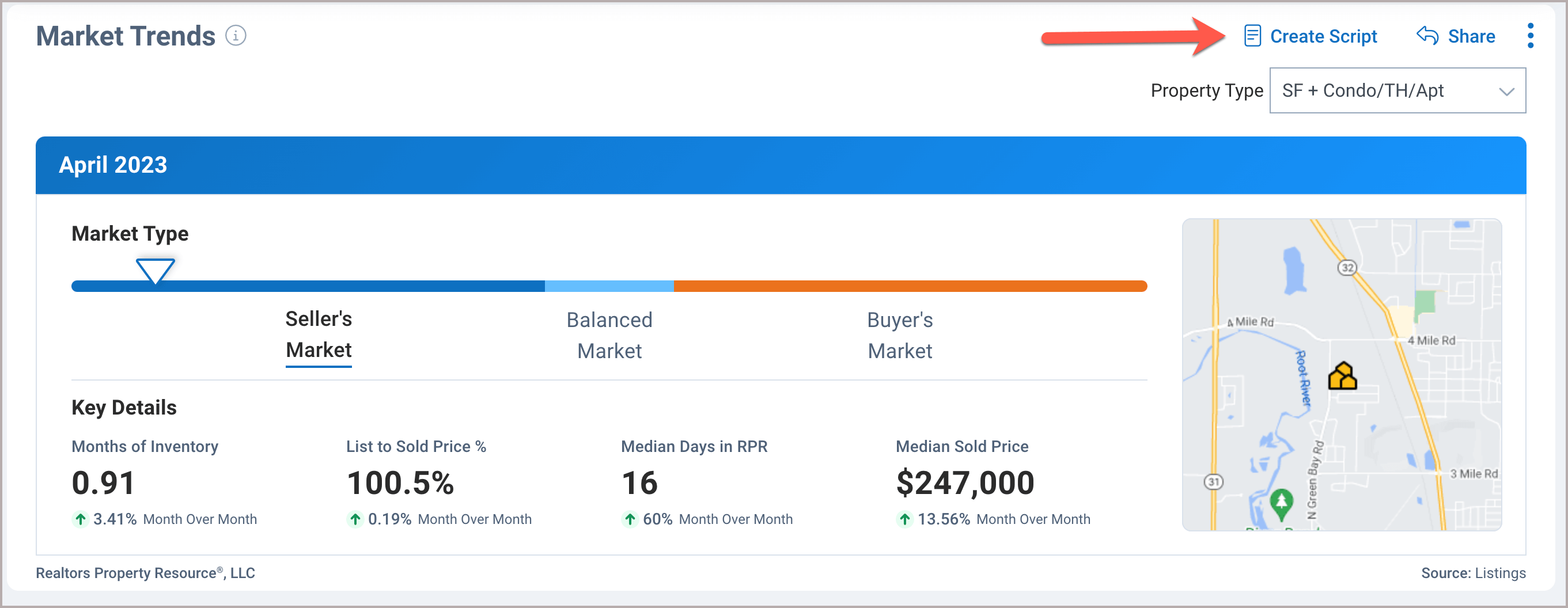
Create Script
Click on the Create Script link in the top right of the Market Trends page.
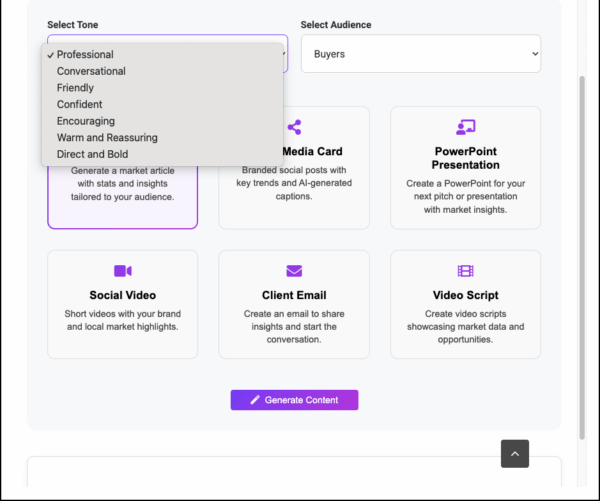
Choose Tone
Set the voice of your communication by choosing a Tone from the drop-down menu.
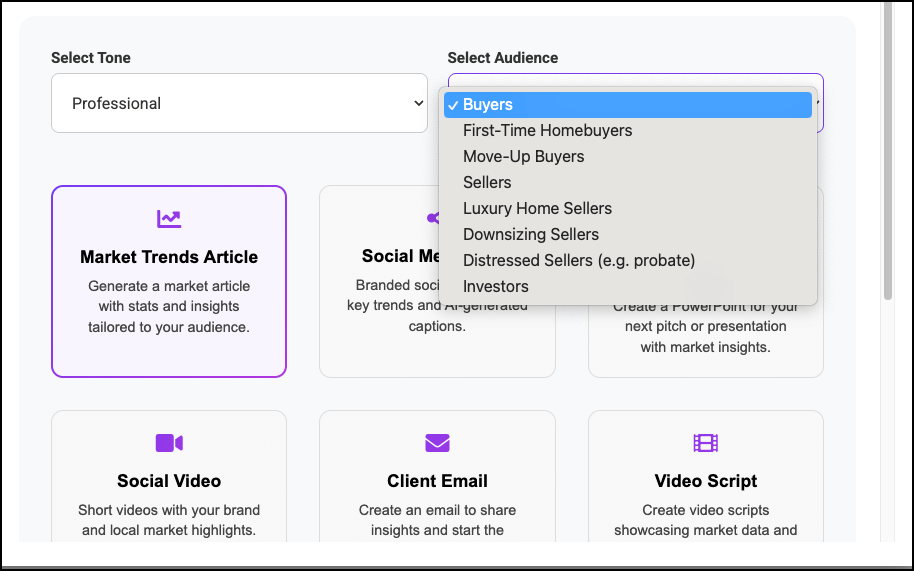
Choose Audience
Direct your content to a specific client-type by choosing your Audience.
Choose Content
Select the type of content you would like to create, follow the prompts to completion, and then choose how you would like to share your content.
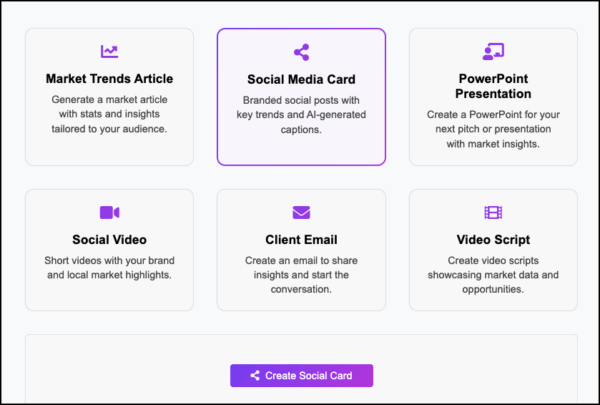
Our Newest Content
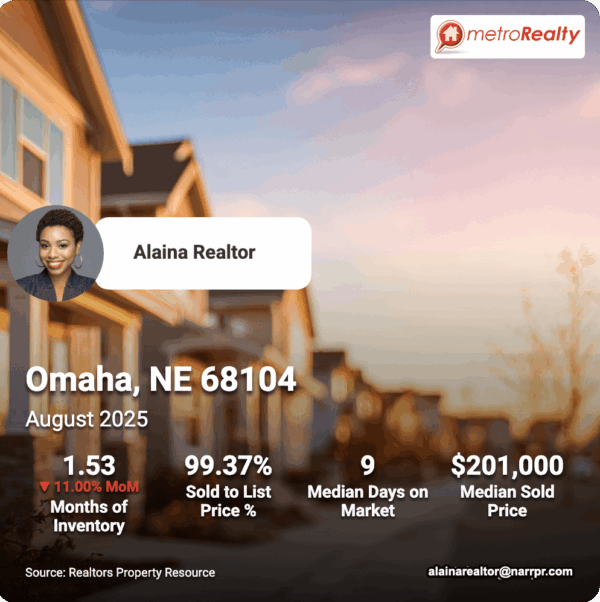
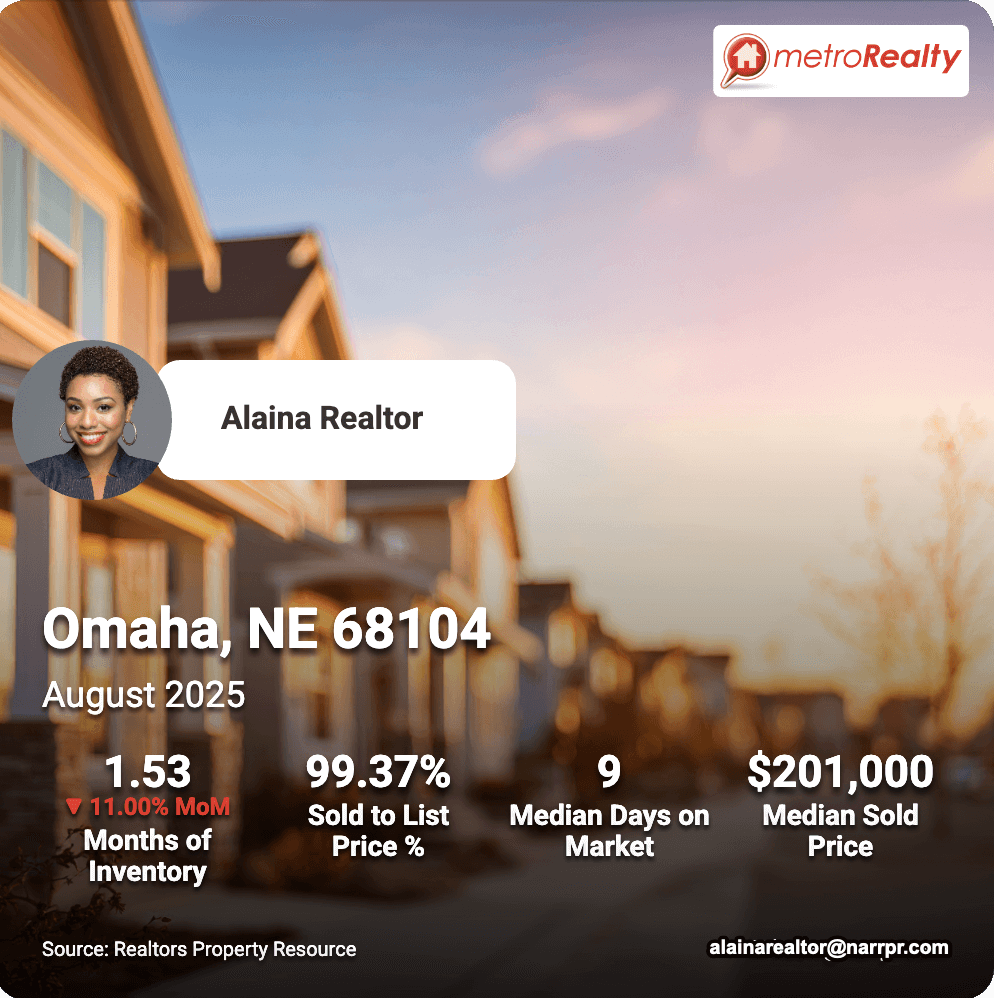
Social Card
Create polished, professional Social Media Cards based on data from the Market Trends or Commercial Market Trends pages.
Your photo, logo, and contact information are populated from your RPR Profile, or they can be added within the workflow.
Choose from eight backgrounds and five AI-generated captions.
Save it to your Media Library (new), download it, email it, share it on Facebook or LinkedIn, or create a QR Code.
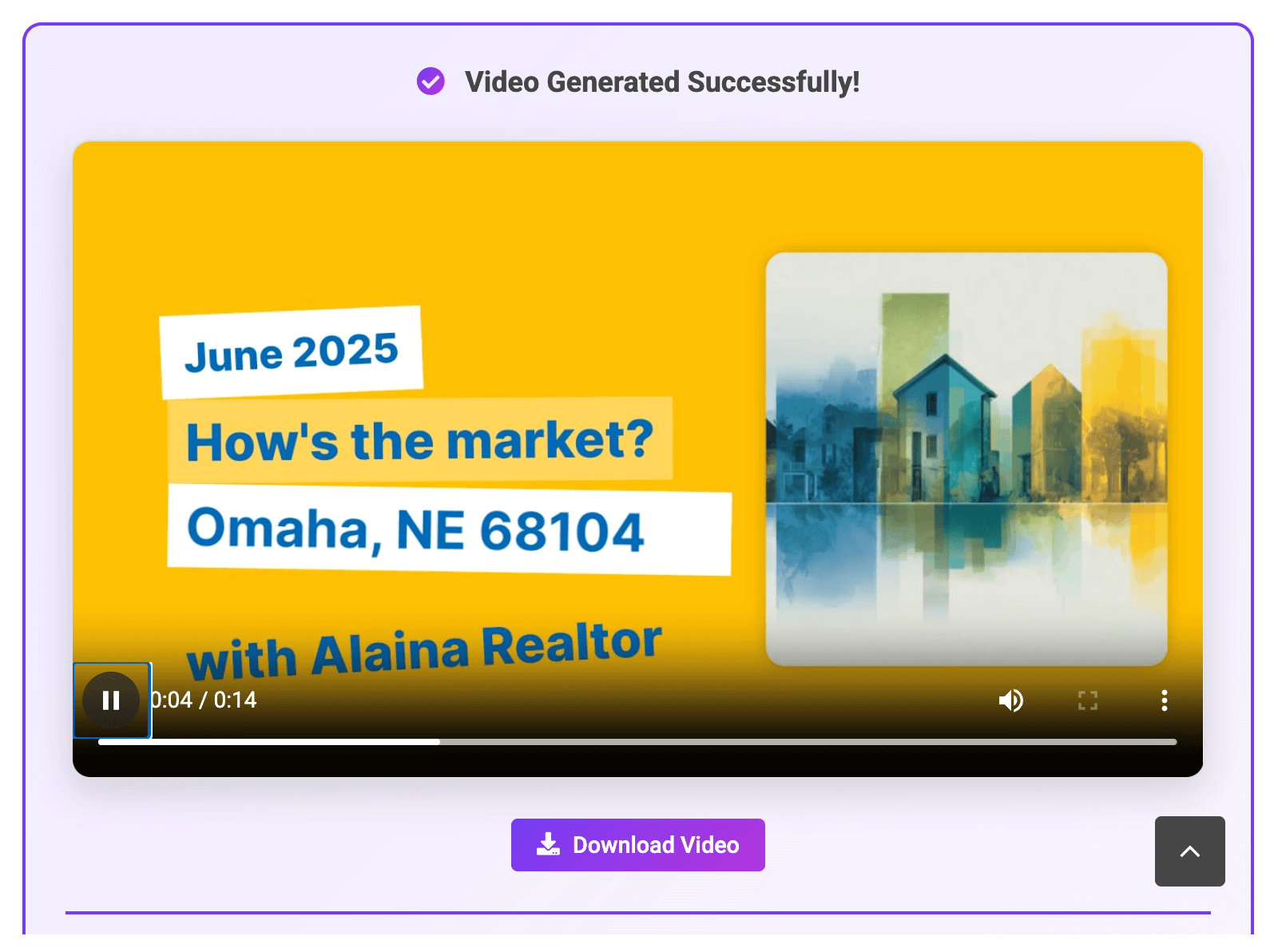
Social Video
Generate short, professional, ready-to-go videos that showcase the data from the Market Trends or Commercial Trade area pages.
Your photo, logo, and contact information populate from your RPR Profile. Choose between two video templates, then save it to your Media Library (new), download it, email it, share it on Facebook or LinkedIn, or create a QR Code.
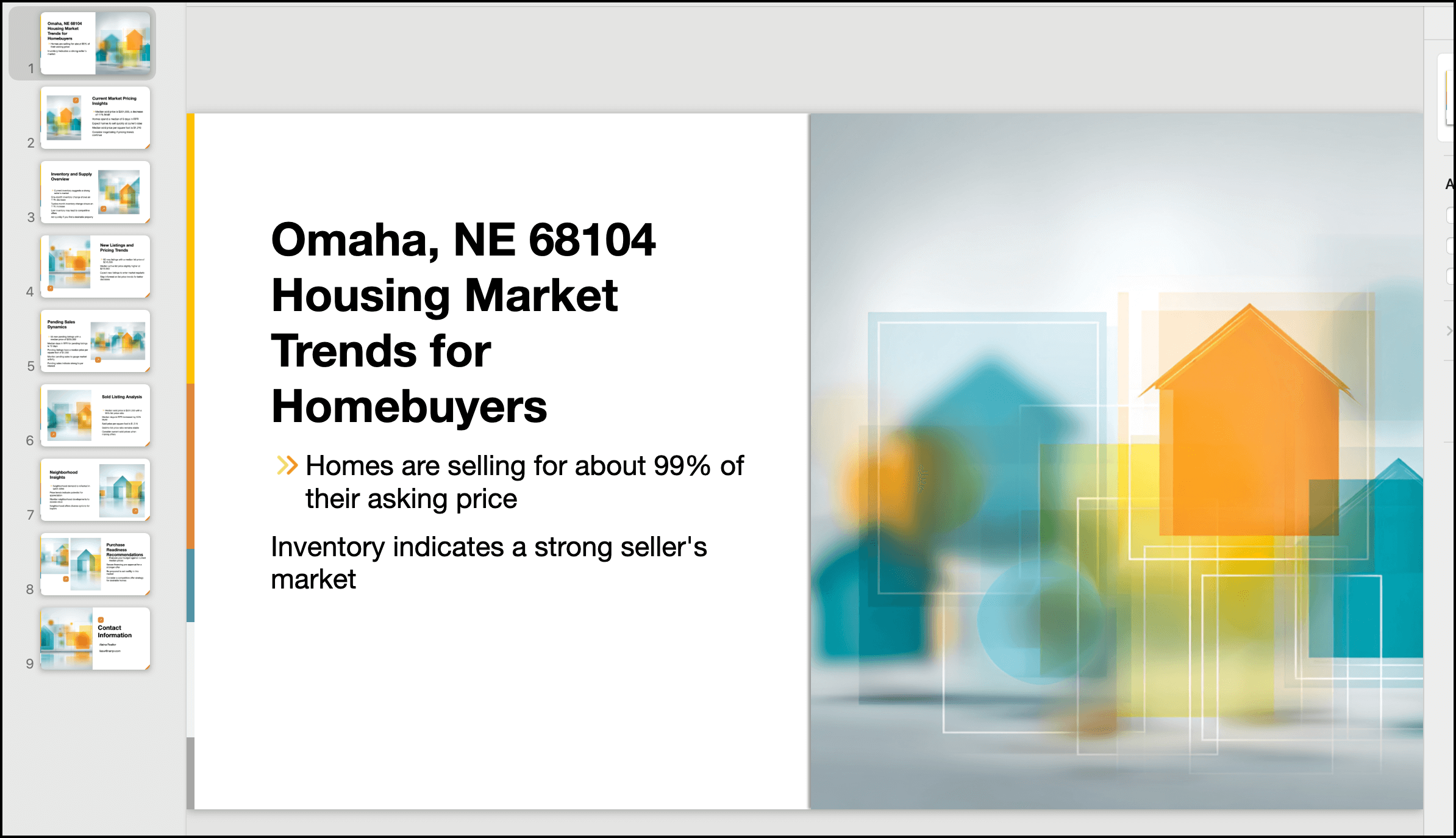
PowerPoint Presentation
Choose from two template designs to create ready-to-go PowerPoint Presentations that provide an overview of the data on the Market Trends or Commercial Trade Area pages. Save it to your Media Library (new), send it via email, export it to PDF, Word, or Google Docs, or copy the text outline.
Frequently Asked Questions
Click on the links below
Need Help?
If you need additional assistance, contact RPR Member Support at (877) 977-7576 or open a Live Chat from any page of the website.
